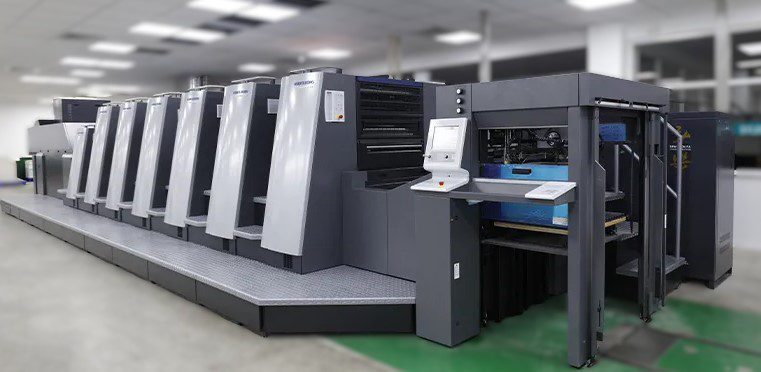
Color shifts or color consistency is one of the biggest challenges in offset printing—whether you run a small commercial shop or a high-volume packaging plant.
Even with modern presses equipped with densitometers, inline spectrophotometers, and automated ink control, color shifts remain a daily struggle for press operators and production managers.
This article explains why color shifts actually happen, the root technical causes, and professional solutions that keep your print runs stable.
Written through the lens of real pressroom experience, it is meant to help printers reduce waste, improve predictability, and maintain brand color accuracy across long runs.
What printers call “Color Shift”
In practice, “color shift” is any noticeable deviation between the intended color and the printed result, whether within a run, between runs, or compared with a proof or brand standard.
It may be presented as sheets that start clean in the beginning and then slowly drift to warmer, cooler, or darker color, or become more washed out as the printing progresses.
Typical symptoms include:
- A neutral gray turning slightly green or magenta.
- Skin tones looking “muddy” or too red.
- Corporate blues and reds failing to match brand reference swatches.
- Elements matching on one section of the sheet but shifting in another.
difference values such as ΔE, even when the press appears to be “in balance.
Why Color Stability Matters More Than Ever
In today’s market, clients expect their brand colors to match perfectly—across print runs, substrates, plants, and even continents.
A shift of only a few Delta E can trigger complaints, reprints, and additional costs.
Color shifts cause:
- Customer dissatisfaction
- Increased makeready time
- Material waste
- Production delays
- Loss of trust in your print quality
Understanding the root causes is the first step to maintaining rock-solid color consistency.
Root Causes in Prepress
Many color problems begin long before plates reach the pressroom, often in the way files are prepared and managed.
RGB vs CMYK and Color Spaces
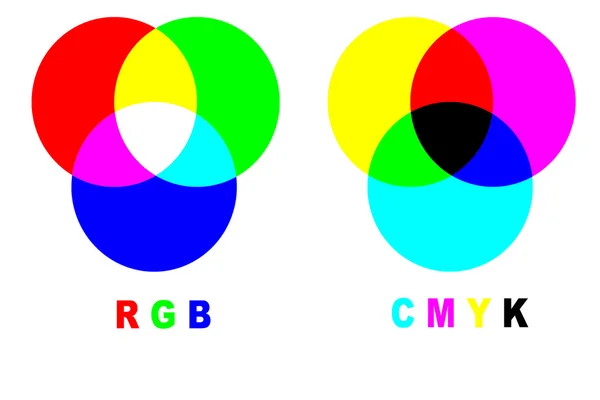
Design created in RGB and converted late or automatically to CMYK almost always results in unexpected shifts, especially in saturated blues, greens, and oranges that are outside the CMYK gamut.
If designers work without consistent ICC profiles or without soft-proofing for the actual press/paper combination, the expectation on screen and the achievable result on press diverge.
Key prepress risk factors:
- Late or uncontrolled RGB→CMYK conversion.
- Files built with untagged or mismatched color profiles.
- Over-reliance on on-screen appearance instead of contract proofs.
- Excessive total ink coverage (TAC), causing dirty or unstable colors on press.
Standardizing file preparation in CMYK with appropriate profiles, target TAC – Total Area Coverage (also known as Total Ink Coverage, or TIC),and proofing conditions is one of the most efficient ways to reduce color shifts before they ever reach the printing press.
Root Causes of Color Shifts in Offset Printing
Below are the most common technical and environmental reasons color moves during printing—even when operators believe everything is calibrated and in order.
Ink–Water Balance Problems
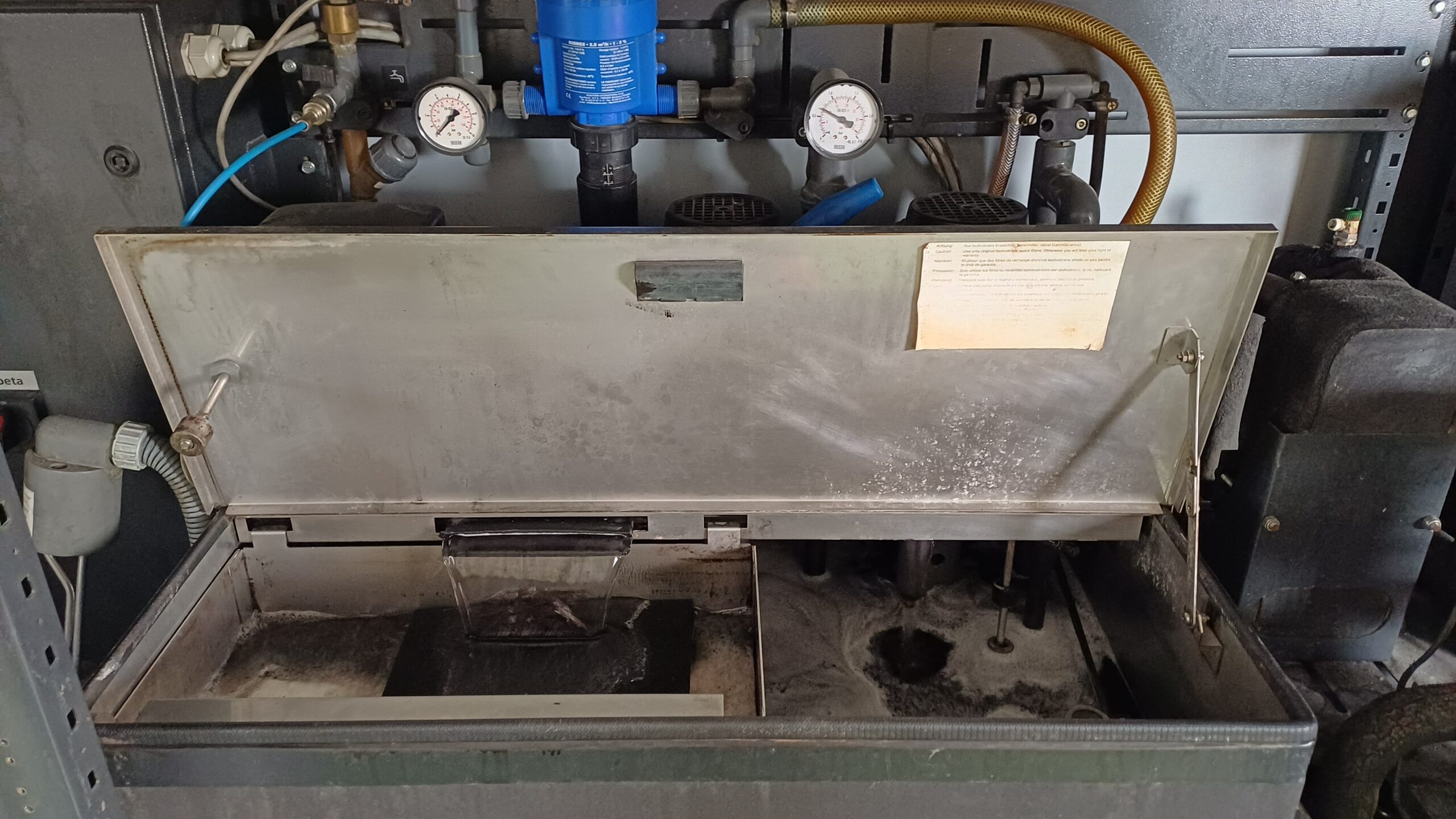
The interaction between dampening solution and ink is the heart of lithographic printing.
When it’s unstable, color shifts immediately.
Why it happens
- Too much water → ink emulsifies → colors appear washed out or weaker
- Too little water → ink scums on non-image areas → density increases unpredictably
- Changes in humidity/temperature throughout the day affecting water pickup
- Press speed fluctuations – Frequent changes in press speed alter the ink and water transfer relationship, causing noticeable color variation between early and late sheets
- Fountain solution contamination or pH drift
Symptoms
- Density drifting up or down during the run
- Highlight dot gain
- Print turning either too dull or too strong
Ink Film Thickness Variation
Ink keys can drift, especially on long runs or when operators adjust them reactively.
Causes
- Manual adjustments that change ink film thickness
- Roller wear or misalignment
- Ink fountain agitation inconsistencies
- Changes in press speed
Result
Color becomes stronger or weaker across the sheet or gradually changes over time.
Paper and Substrate Variability
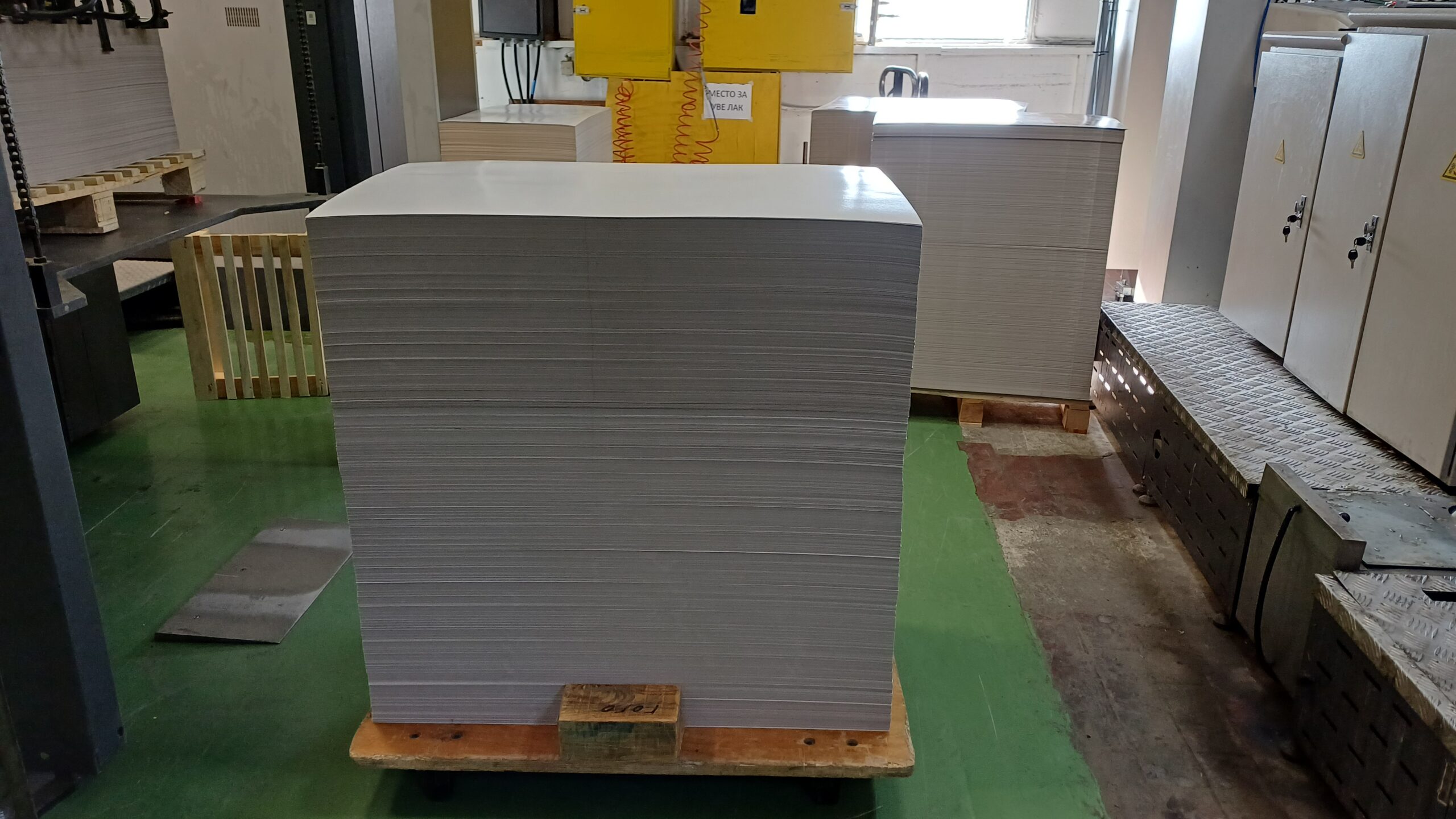
Paper is not a stable material—it changes with humidity, manufacturing tolerances, and coating quality.
Even a perfectly calibrated press will print differently on a coated art paper versus an uncoated or recycled stock.
Common issues
- Variation in paper whiteness
- Absorption differences between batches
- Coating inconsistencies – Warmer or bluer base tints, differences in brightness, and uneven coatings change perceived color and dot gain, especially in neutrals and skin tones.
- Paper moisture fluctuations throughout the day – Variations in humidity affect paper dimensional stability and ink-water interaction, creating subtle but noticeable color shifts across a long run
Even “premium” sheets can vary batch to batch, affecting both ink holdout and perceived color.
Ink Temperature and Viscosity Fluctuations
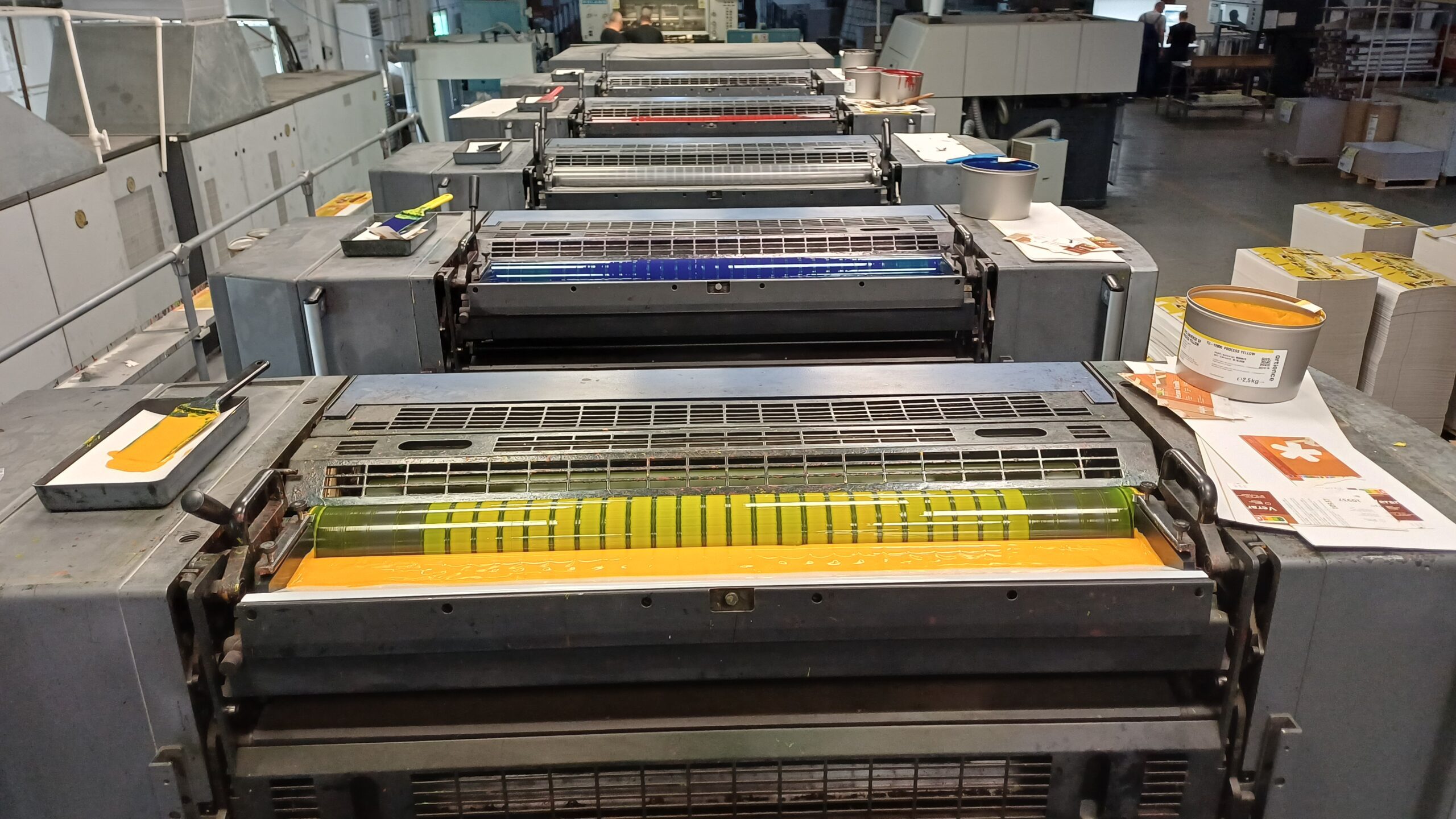
Offset ink is highly sensitive to temperature.
If ink gets too warm
- Viscosity decreases
- Ink becomes looser → color prints weaker
- Dot gain increases
- Emulsification risk rises
If ink gets too cold
- Ink becomes stiff
- Prints appear stronger or overly saturated
This is especially critical in packaging plants or warm climates like Australia or the southern USA.
Roller Settings and Wear
Rollers directly influence ink transfer and water distribution.
Issues that cause color instability
- Glazed rollers
- Incorrect nip settings
- Roller swelling
- Worn metering rollers
- Improper stripe widths
Poor roller maintenance is one of the most under-diagnosed causes of color variation.
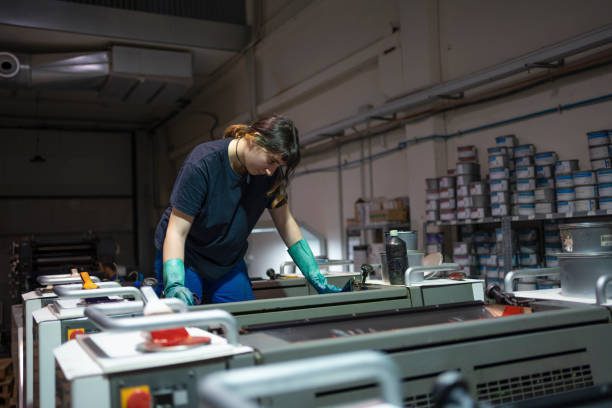
Pressroom Environment & Climate Control
Even with perfect mechanical settings, an unstable environment can sabotage color.
Factors
- Temperature swings
- Relative humidity changes
- Airflow across the press
- Seasonal changes (common in UK/US climates)
- Light source (metamerism) – A color match under one lighting condition (e.g., office fluorescent) may fail under a standardized viewing booth or daylight, leading to perceived shifts that are actually metameric effects.
Paper expands/contracts, water pickup changes, and ink viscosity fluctuates.
Standardizing paper specifications, conditioning stock in the pressroom environment, and evaluating prints under controlled, standardized lighting (e.g., D50) are essential to consistent judgment of color.
Inconsistent or Incorrect Fountain Solution
The fountain solution chemistry must remain stable.
Typical problems
- pH drifting out of range
- Contaminated or old solution
- Incorrect mix ratio
- Carbonate buildup in rollers
- Excess IPA or too little IPA in alcohol-reduced systems
Any fluctuation in fount chemistry directly impacts ink laydown and color.
Plate Wear or Imaging Problems
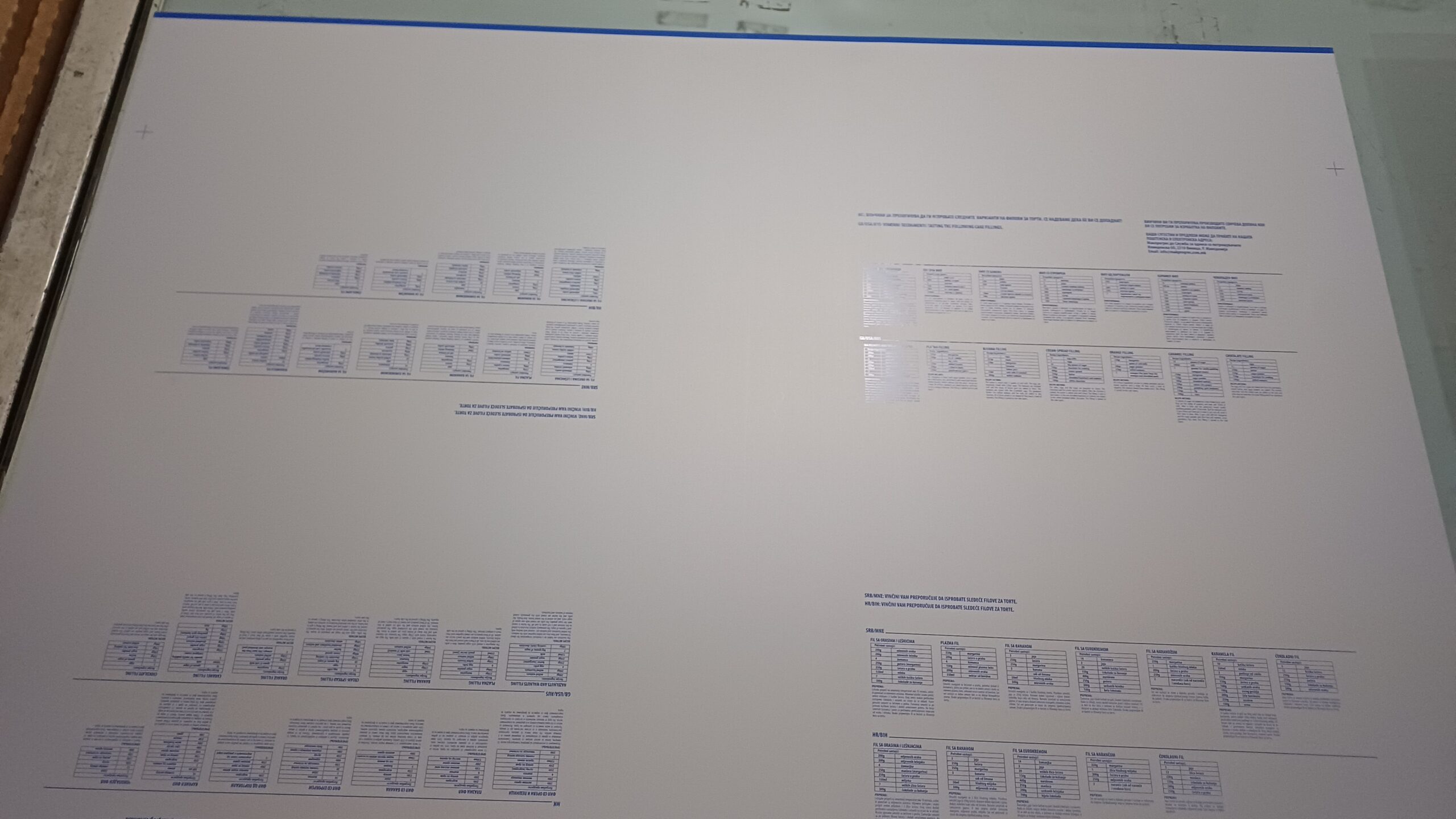
Modern CTP plates are robust—but not immune to issues.
Possible causes
- Plate wear on long runs
- Improper plate baking
- Developer contamination
- Incorrect laser calibration
- Imaging artifacts
A worn or uneven plate leads to ink transfer changes and unpredictable color shifts.
Poor Ink Quality or Inconsistent Ink Batches
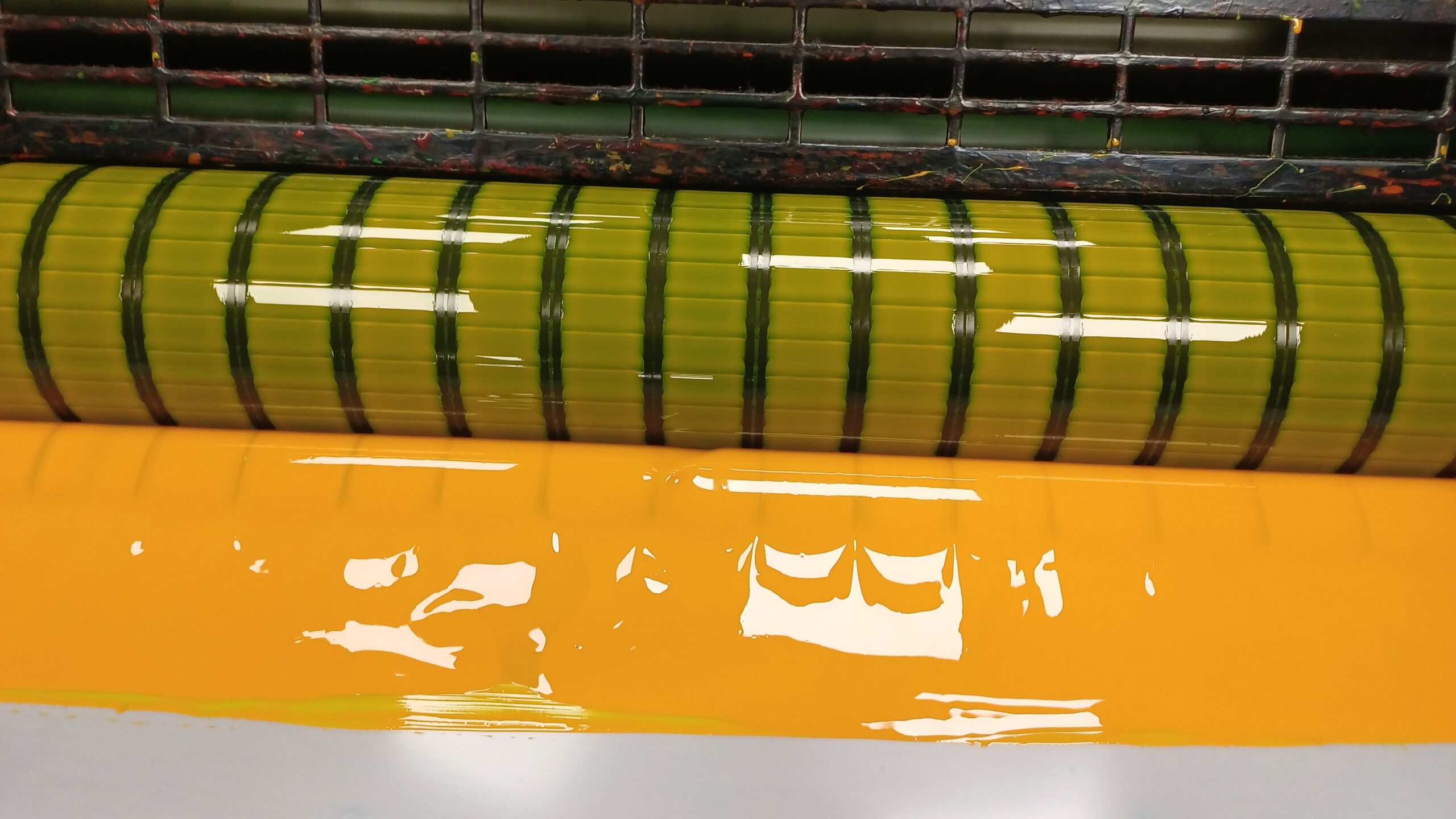
Even reputable ink suppliers occasionally deliver batches with small variations.
Key issues
- Pigment strength differences
- Oil content variations
- Poor ink milling
- Shelf-life degradation
Color stability starts with ink consistency, and not all suppliers are equal.
Process, Handling, and Post-Press Effects
Dry-back and ink film changes: Color density measured wet is higher than after drying.
If not anticipated, the “final” dry color appears weaker or different from the approved pull sheet.
Post-press coatings and laminations: Varnish, UV coatings, and laminating films can chemically and optically change the ink layer, reducing density or altering hue and gloss.
Cross-sheet/in-sheet variation: Non-uniform inking or pressure across the sheet causes one side or area to print differently from another, perceived as color shifting on the same form.
Overall, color shifts usually come from several of these factors stacking together, which is why consistent process control, measurement, and standardized workflows are essential to keep color stable on offset presses.
Human Factors and Process Control
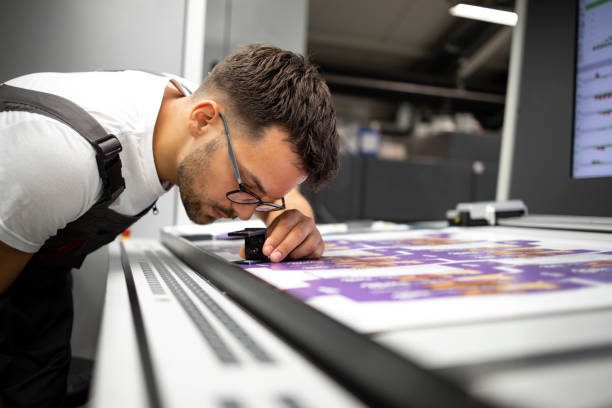
Even with modern equipment, offset printing remains highly dependent on operator skill and process discipline.
Inconsistent decisions about density, color corrections, or acceptance tolerances can cause noticeable variability between shifts, presses, or plants.
Common human and process-related issues:
- Non-standardized “house” targets for solid ink densities and gray balance.
- Lack of objective control strips and measurement routines.
- Misregister or poor trapping alters overprints, shifting secondary colors like greens and purples even when individual primaries are within density targets.
- Subjective approvals based solely on visual comparison, often under uncontrolled lighting.
- Limited training on color theory, color measurement, and the impact of press variables.
Implementing standardized procedures, numeric targets, and clear tolerances for density and ΔE reduces dependence on individual judgment and leads to more repeatable outcomes.
How to Prevent Color Shifts in Offset Printing – Practical Solutions
Addressing color shifts effectively means building a systematic color management workflow, not just reacting to problems at the press.
Below are real-world solutions used by top print shops worldwide.
Standardize Color Management From Design to Plate
Require all jobs to be prepared in CMYK using agreed profiles that reflect the press, ink, and paper set.
Define limits for total ink coverage and black generation (GCR/UCR) that match press capabilities and typical stocks.
Use contract proofs or validated soft-proofing so that client expectations match press reality before plates are made.
These steps ensure that what designers see and approve is realistically achievable on the offset press, minimizing surprises later in production.
Stabilize the Ink–Water Balance
This is the #1 solution to stop drifting color.
What to implement
- Maintain fountain solution pH (ideally 4.8–5.3) and conductivity
- Refresh fountain solution regularly
- Ensure consistent alcohol/IPA levels
- Use automated dampening systems where possible
Train operators not to overuse water.
Standardize Ink Keys and Use Preset Data
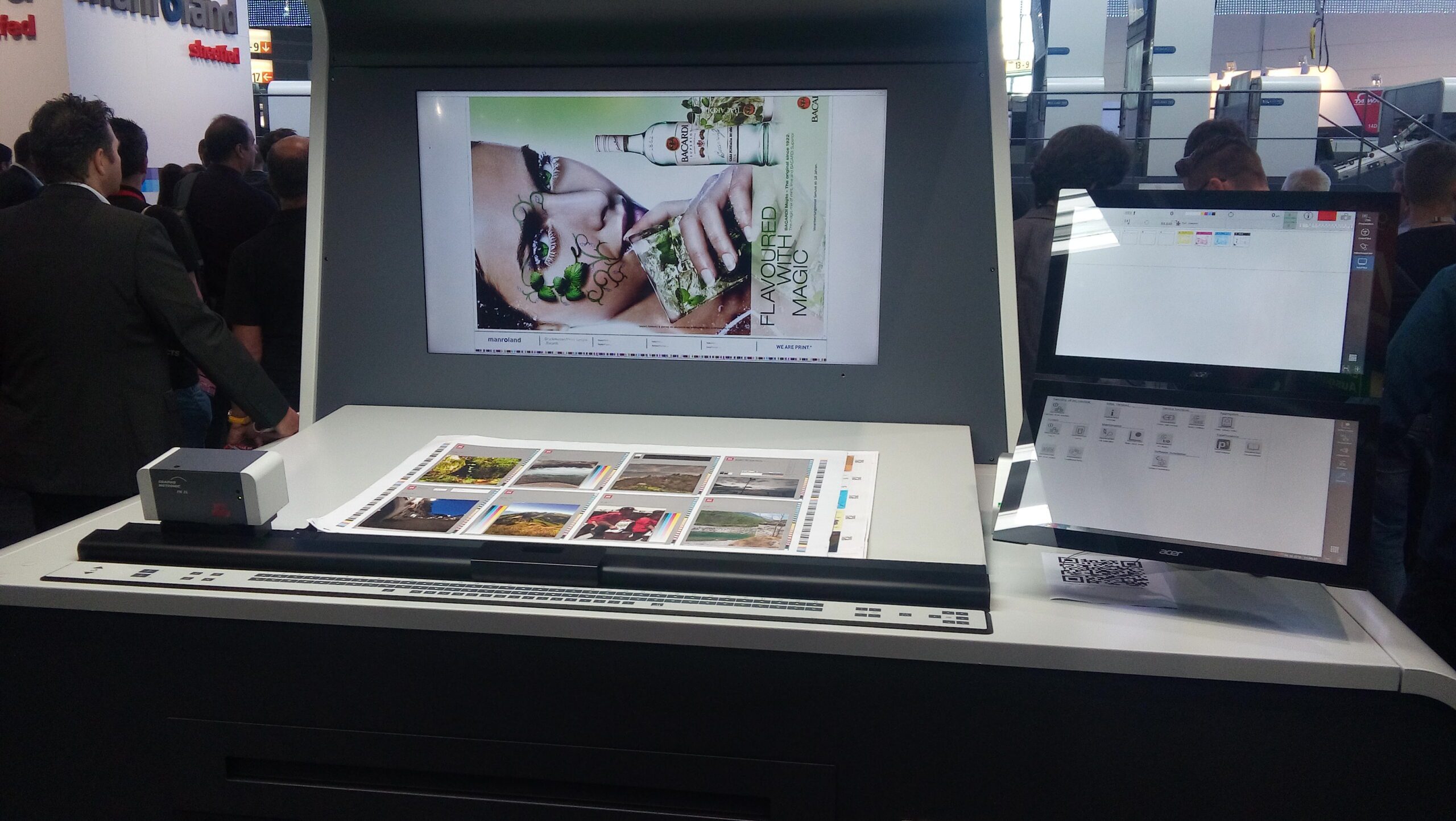
Automated ink presets and CIP3/CIP4 workflows drastically reduce ink-film variability.
Tips
- Use prepress-to-press calibration curves
- Rely on closed-loop color control if available – Press-mounted scanners or inline measurement devices can read color bars in real time and adjust ink keys automatically to maintain targets throughout the run.
- Avoid constant manual adjustments
Control Temperature Everywhere
Temperature control reduces up to 70% of color variation.
Solutions
- Ink temperature regulators
- Pressroom climate control (20–24°C and 45–55% RH)
- Air conditioning around press units
- Store paper and ink in climate-stable rooms
Maintain Rollers Like a Preventive System
Treat rollers as consumables, not eternal assets.
Checklist
- Monthly deglazing
- Regular stripe width inspection
- Replace rollers proactively
- Check roller parallelism
Proper rollers equal predictable color.
Monitor Paper Conditions
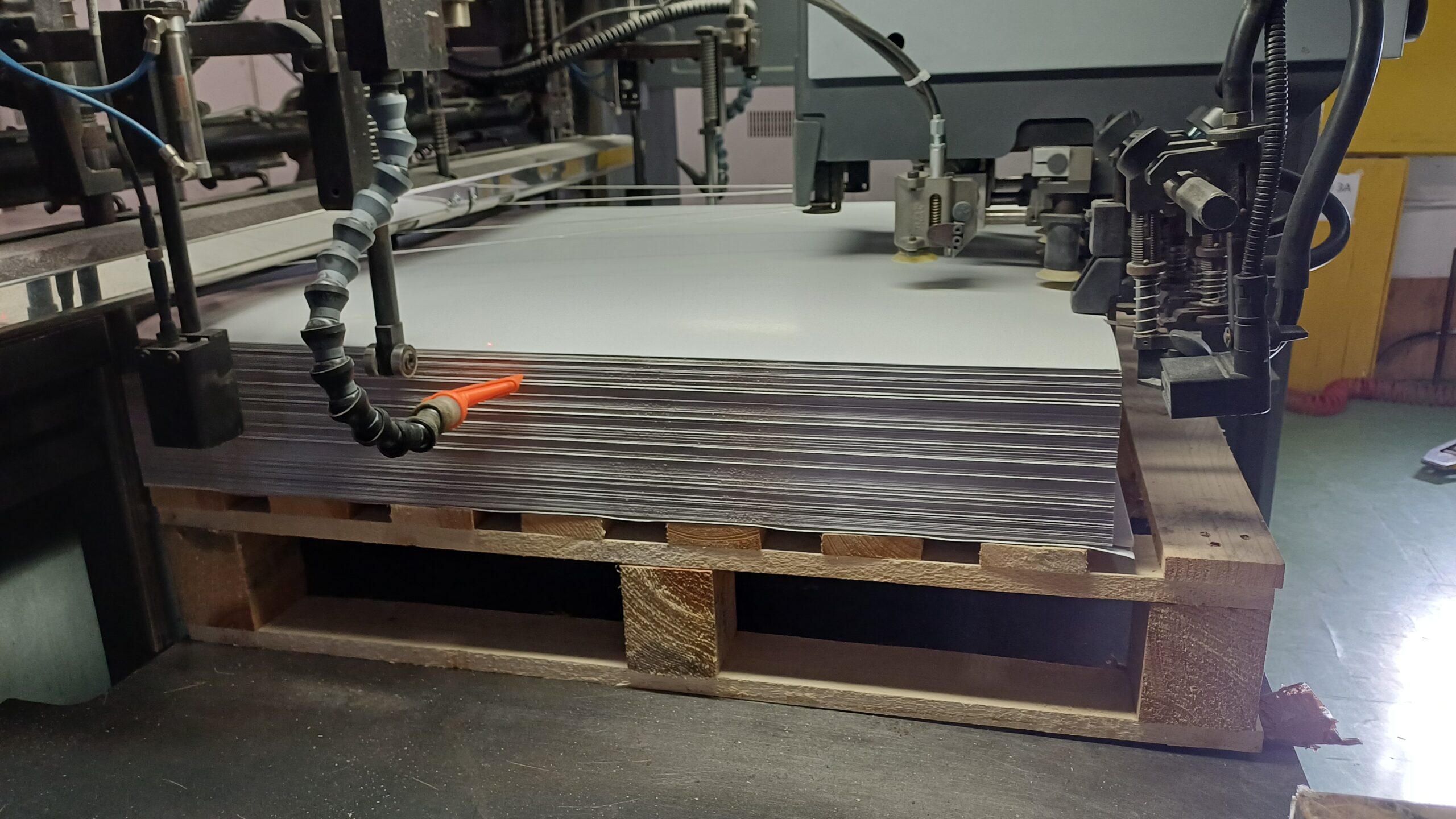
Paper should acclimate to the pressroom before printing.
Professional tips
- Let pallets sit for 24–48 hours before use
- Track batch numbers
- Reject visibly inconsistent lots
- Use consistent paper grades for long-term accounts
Improve Ink QC and Supplier Management
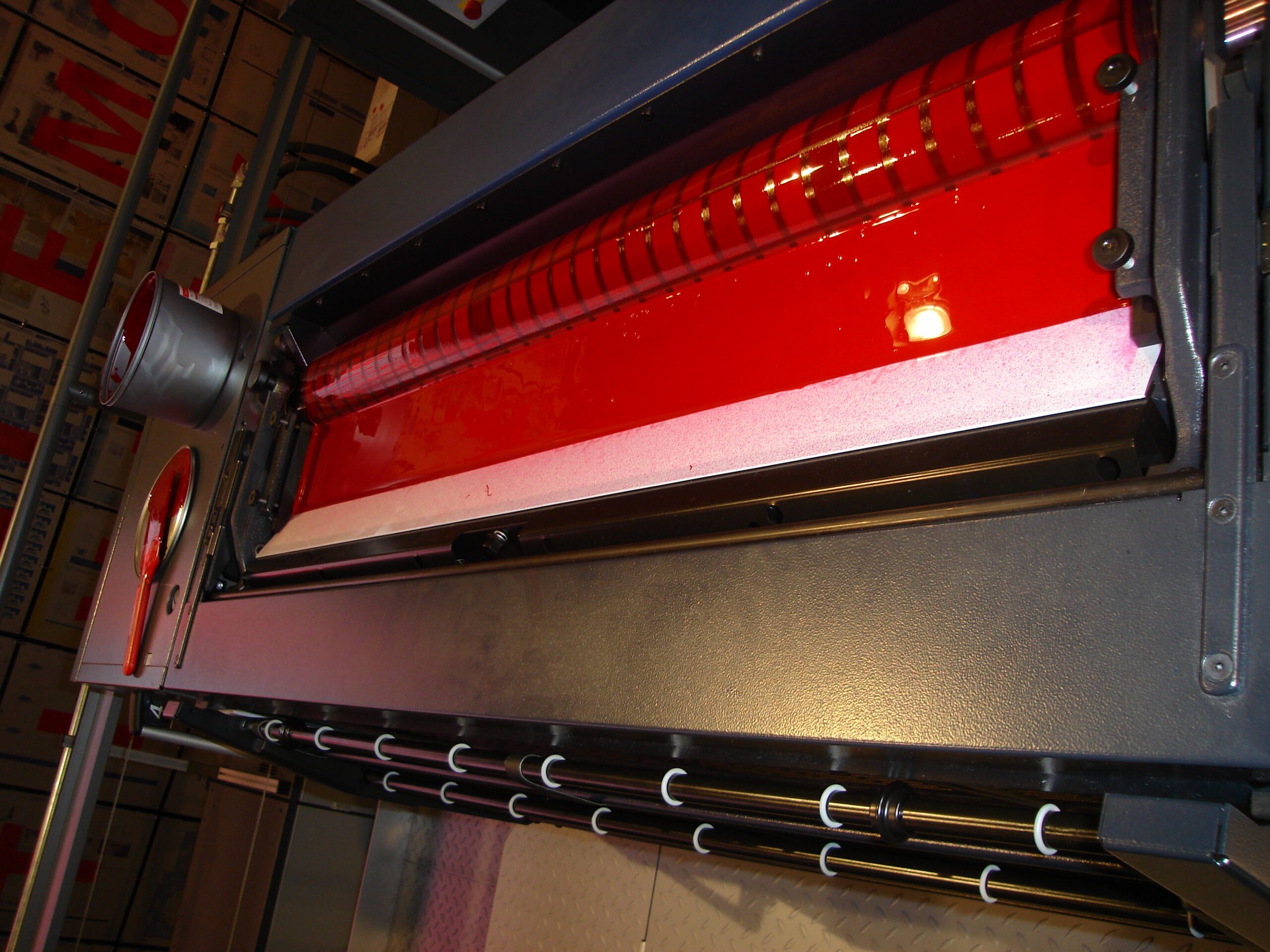
Color consistency starts at the ink manufacturer.
Recommended actions
- Request batch-to-batch data
- Use in-house ink proofing
- Create a standardized ink acceptance protocol
- Switch suppliers if pigment consistency fluctuates
Adopt Modern Color Measurement Standards
Modern automated color control and measurement systems can dramatically improve color consistency and reduce waste.
Running without measurement is running blind.
Include standardized color bars with solid and overprint patches on every form to allow objective monitoring.
What Helps
- Densitometers for quick checks
- Spectrophotometers for accurate color control
- Inline color measurement systems on modern presses
- G7 or ISO 12647-2 calibration
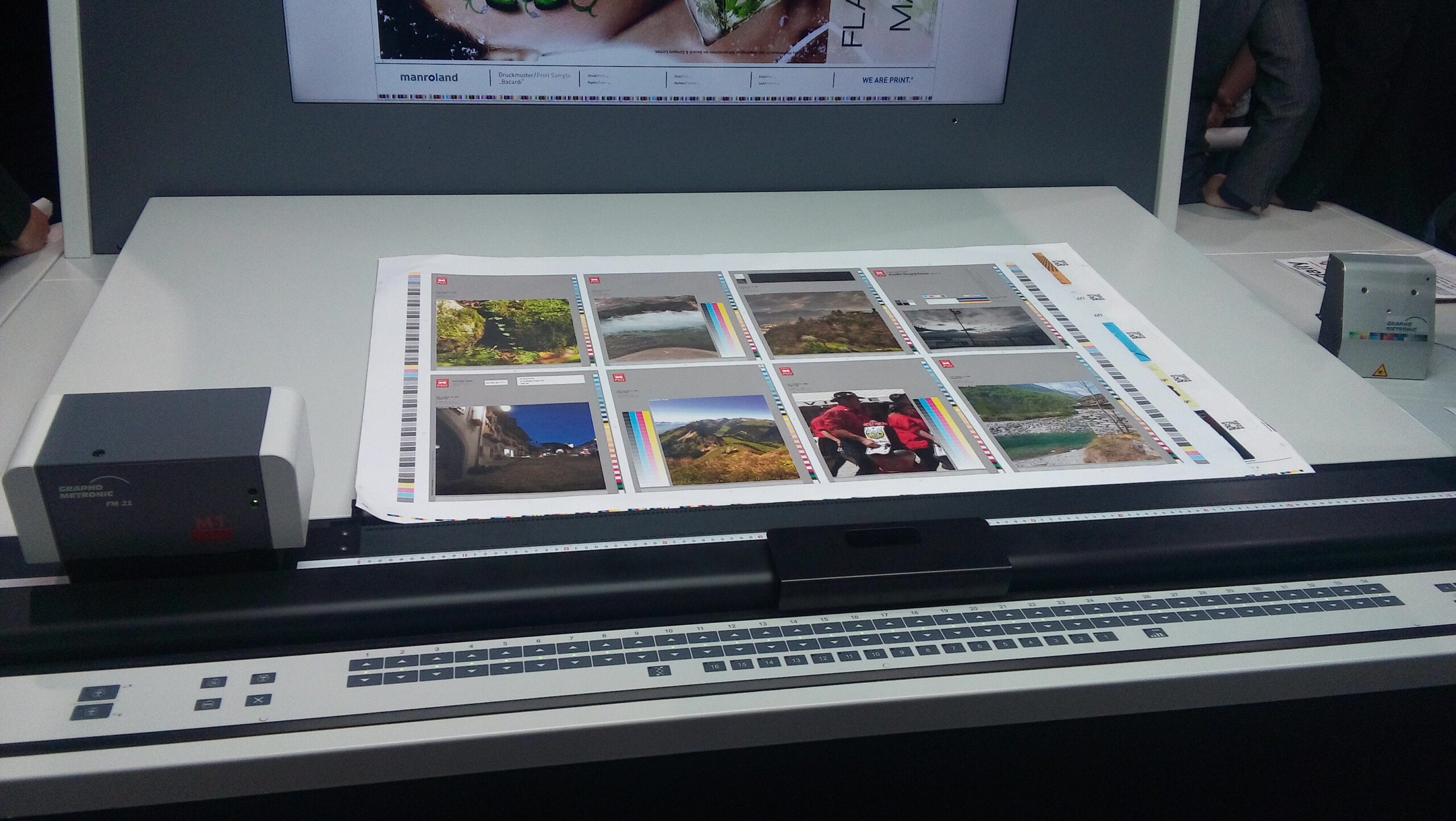
These systems help offset normal process variation, reducing manual intervention and improving repeatability from job to job.
A calibrated press is a stable press.
Practical On-Press Troubleshooting Workflow
When color starts to drift, we need to have one structured approach that will help us to isolate and correct the problem efficiently.
Verify measurement and reference: Confirm that the viewing booth, instruments, and target values are correct for the job (profile, paper, and standard).
Check ink densities and gray balance: Measure control strip patches,adjust ink keys to bring densities back to defined targets rather than “eyeballing” corrections.
Stabilize ink–water balance and speed: Ensure dampening solution, fountain settings, and press speed are consistent,make only one change at a time and observe the effect.
Inspect substrate and environment: Look for paper changes between lots, moisture issues, or contamination that might cause mottle or uneven color.
Escalate to mechanical checks: If problems persist, inspect rollers, blankets, and register,confirm that there are no mechanical sources of variability.
Color Stability Is a System, Not a Setting
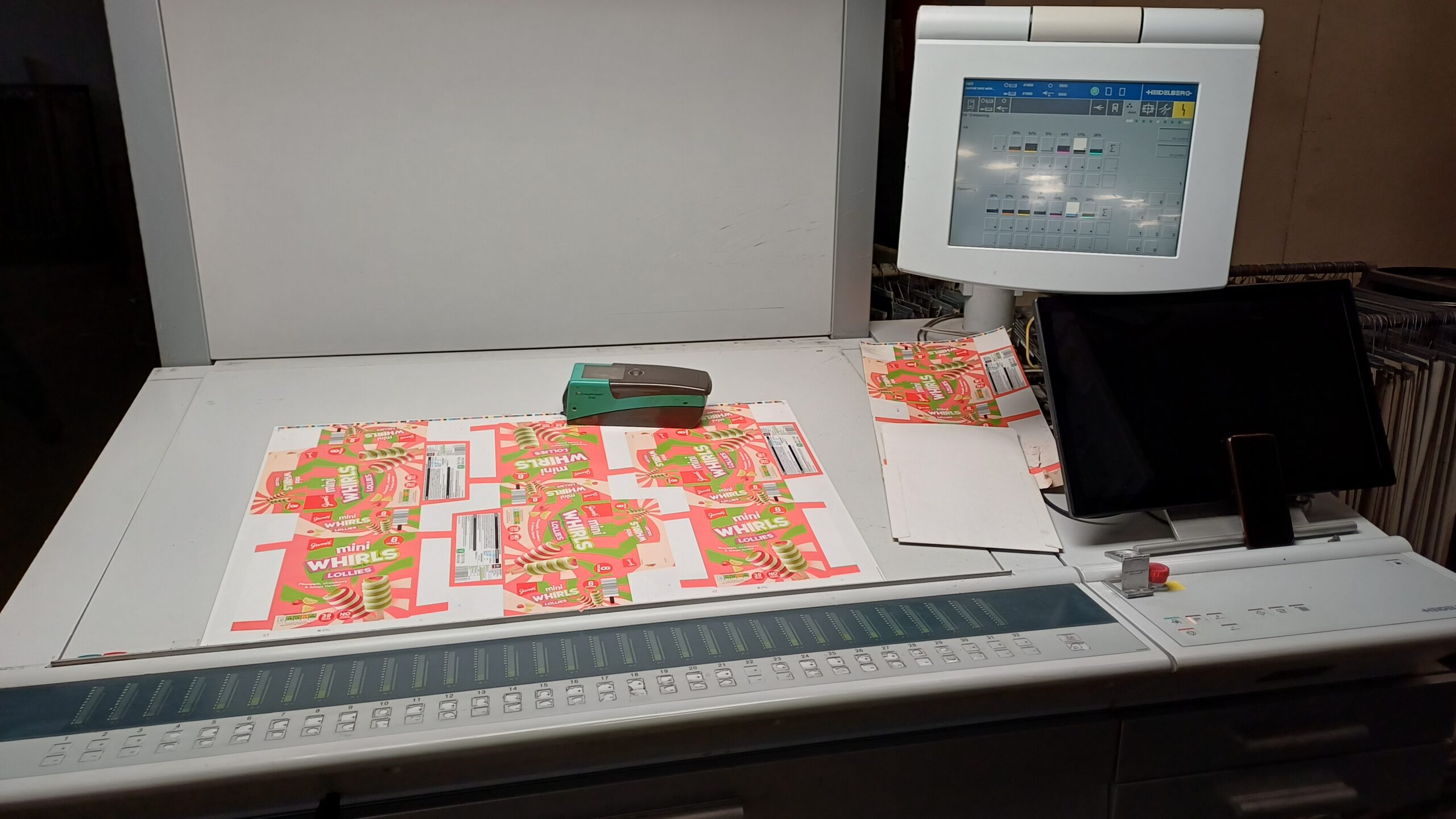
For print shops aiming to serve demanding brands and international clients, color consistency must become part of the culture, not just a technical goal.
Color shifts don’t come from one problem—they come from a chain of small inconsistencies.
The winning strategy involves:
- Consistent environment
- Controlled ink temperature
- Stable ink–water balance
- Well-maintained rollers
- Calibrated workflows
- High-quality consumables
Key elements of such a culture include:
Documented, shared standards for color targets, tolerances, and approval criteria.
Ongoing training in color theory, measurement, and practical pressroom techniques for all operators and prepress staff.
Regular review of jobs with color issues, capturing lessons learned and feeding them back into procedures and setup templates.
Strategic investment in proofing, measurement, and automation where it delivers clear gains in consistency and waste reduction.
By treating color control as an end-to-end process, from design to delivery, printers can dramatically reduce color shifts, improve customer satisfaction, and distinguish themselves in a competitive market.